How to get the most from a game or console trade-in (and protect your data)
What affects trade-in value, how to prepare games, consoles and phones, the factory-reset steps for each console, and when selling privately makes more sense.

We choose what to recommend on our own; no brand or store reviews our articles before they go live. Some outbound links are affiliate links, which support this site at no cost to you. How we earn.
Short version. Trade in complete, clean, working items, ideally soon after a game's release (values fall over time). Choose store credit over cash if you'll spend it anyway — it's usually worth more. Before trading a console, sign out, deactivate and factory reset it.
Trading in old games and hardware is one of the easiest ways to cut the cost of a new console. A little preparation can noticeably improve what you're offered.
What affects the value
- Demand. Recent and popular games are worth more. Values for most games fall steadily after release, so a game you've finished is worth more traded now than in a year.
- Completeness. Original case, disc or cartridge, and for consoles the cables, power supply and controller.
- Condition. Scratches on discs, damaged cases, worn controllers and cosmetic damage reduce value.
- Working order. Faulty items may be refused or valued much lower.
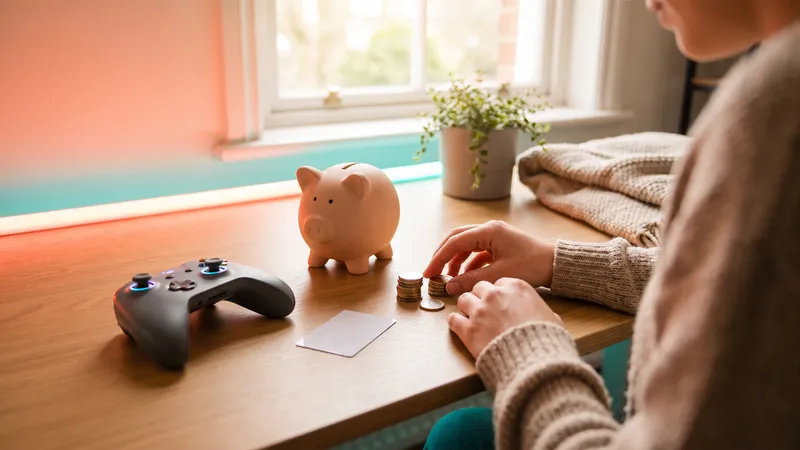
- Credit vs cash. Retailers generally offer more in store credit than in cash.
- Promotions and memberships. Trade-in bonus events, and memberships like GameStop Pro, can add to the value.
Get a quote online before you go. Many retailers let you see an estimated value by searching for the item.
Preparing games
- Put each disc or cartridge back in its original case.
- Clean discs gently with a soft, lint-free cloth, wiping from the center outward.
- Include any inserts.
Digital games can't be traded in — another reason some households prefer physical copies. See physical vs digital.
Preparing a console: step by step
Back up first. Make sure saves are in cloud storage (PlayStation Plus, Nintendo Switch Online and Xbox all offer cloud saves) or transferred to the new console.
PS5 1. If this is your primary console, turn off "Console Sharing and Offline Play" in Settings → Users and Accounts → Other. 2. Go to Settings → System → System Software → Reset Options and choose "Reset Your Console".
Xbox Series X|S 1. Make sure your saves are synced to the cloud. 2. Go to Settings → System → Console info → Reset console, and choose "Reset and remove everything". 3. Remove it as your "home Xbox" if you use that feature.
Nintendo Switch 2 and Switch 1. If you're moving to a new Nintendo console, use the system transfer feature first. 2. Go to System Settings → System → Formatting Options → Initialize Console. 3. Make sure the console is no longer listed as a primary console on your Nintendo Account if it was.
Reset steps can shift slightly with system updates; the makers' support sites have the current instructions.
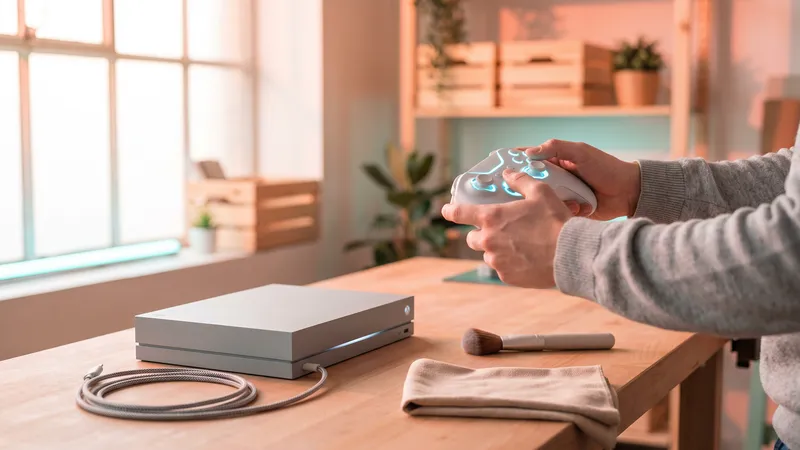
Don't forget: remove any microSD card or external drive you want to keep, and clean the console's vents with a dry, soft brush.
Phones, tablets and other electronics
Many game retailers also accept phones and tablets. Before trading:
- Back up your data.
- Sign out of your account (Apple ID / Google account) and turn off device-finding features.
- Factory reset the device.
- Remove the SIM card and any memory card.
When to sell privately instead
Private selling can earn more, but it takes time and carries risks: scams, returns, shipping damage. It's most worth it for rare, collectible or high-value items. For everyday games and hardware, a trade-in is simpler and immediate.
Using credit wisely
Store credit is most valuable when it goes toward something you were going to buy anyway — a new console, an upcoming release, a gift. Combining trade-in credit with a pre-owned or refurbished purchase stretches it furthest.
Facts, prices and policies in this article were checked in November 2026. Prices, bundles and store rules change often — always confirm on the product page before you buy. Spotted something out of date? Tell us.