Console storage guide: adding space to PS5, Xbox Series X|S and Switch 2
How much space modern games take, and the exact kind of SSD, expansion card or microSD card each console needs — so you don't buy one that won't work.
We choose what to recommend on our own; no brand or store reviews our articles before they go live. Some outbound links are affiliate links, which support this site at no cost to you. How we earn.
Short version. PS5: an M.2 NVMe PCIe Gen4 SSD, ideally with a heatsink. Xbox Series X|S: an official Storage Expansion Card to play Series X|S games, or any USB drive for storage and older games. Switch 2: a microSD Express card — regular microSD cards won't hold Switch 2 games.
Do they actually need more storage?
Large modern games often take 100GB or more, and updates add more. A rough way to think about it:
- Mostly physical games, a few at a time: built-in storage is usually enough. (Physical games still install data, but you can delete and reinstall from the disc.)
- Mostly digital, or several huge games installed at once: add storage early — it saves endless deleting and re-downloading.
PS5: M.2 SSD
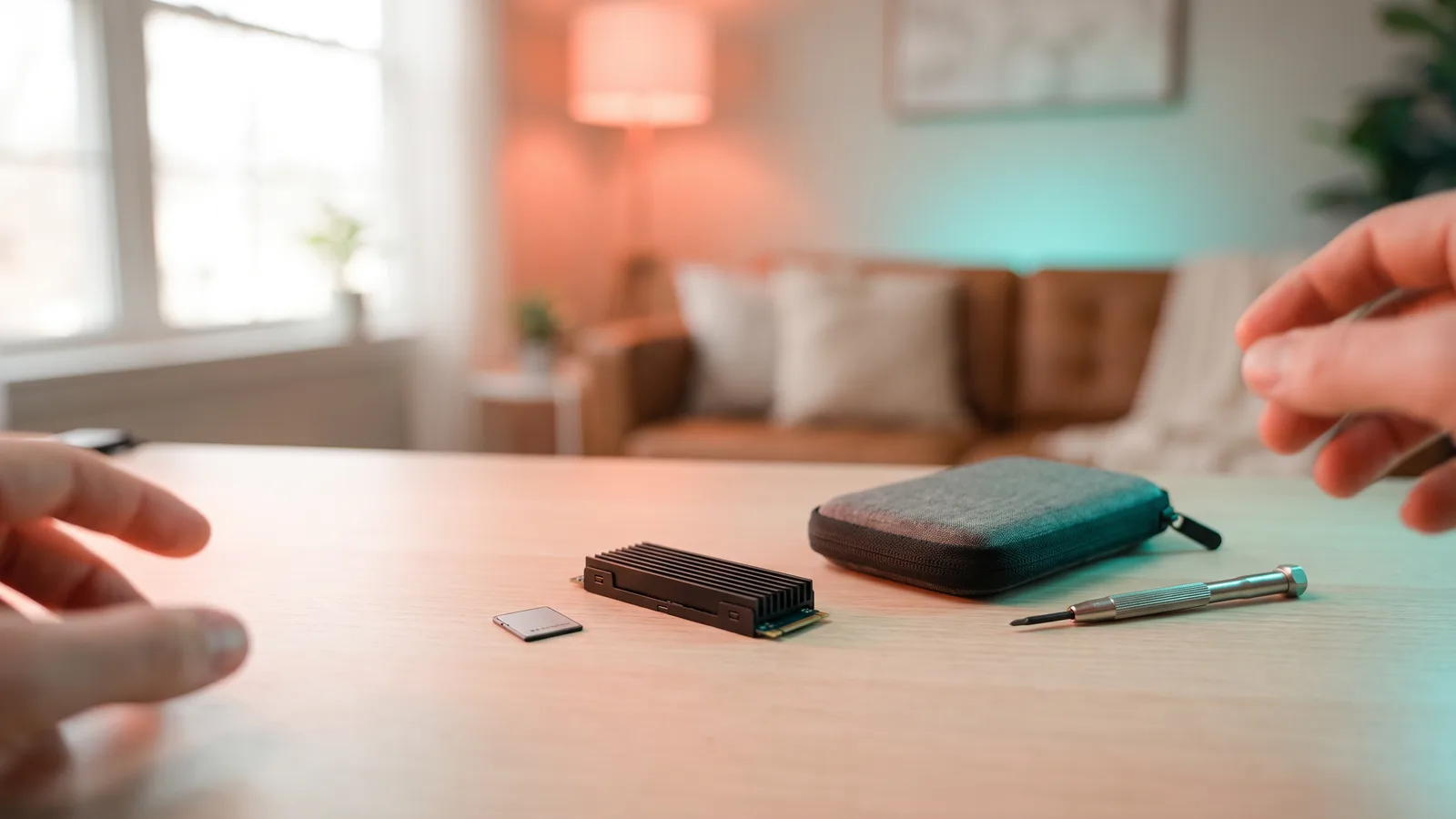
Every PS5 model has a slot for an internal M.2 SSD. Sony's requirements are specific:
- Interface: M.2 NVMe, PCIe Gen4 x4.
- Speed: Sony recommends at least 5,500MB/s sequential read.
- Size: fits 2230, 2242, 2260, 2280 and 22110 lengths; 2280 is the most common.
- Cooling: a heatsink (or heat-dissipating cover) is required. Many drives are sold "PS5-ready" with one attached.
- Capacity: PS5 supports large drives (up to 8TB).
Installation takes about 15 minutes with a small screwdriver and the instructions on PlayStation's website. Search for drives that state PS5 compatibility on the box.
You can also use a USB external drive to store PS5 games and play PS4 games, but PS5 games must be moved back to internal or M.2 storage to play.
Xbox Series X|S: expansion card or USB
Xbox offers two routes:
- Storage Expansion Card — a small card that slots into the back of the console and behaves exactly like the internal drive. Series X|S-optimized games can be played from it. Seagate and Western Digital make official cards in several capacities.
- USB external drive — cheaper per gigabyte. You can play Xbox One, Xbox 360 and original Xbox games from it, and store Series X|S games, but Series X|S-optimized games must be moved to internal or expansion-card storage to play.
A sensible combination for big libraries: an expansion card for current games and a cheap USB drive as a "parking lot" for games you're not playing this month.
See Xbox Storage Expansion Cards
Nintendo Switch 2: microSD Express only
The Switch 2 has 256GB built in. For more, it requires microSD Express cards, which are faster than ordinary microSD cards. Ordinary microSD cards — including the one from an original Switch — can't be used to store Switch 2 games, though a Switch 2 can read screenshots and videos from one.
Look for the "EX" logo on the packaging. Capacities and prices vary; buy from a reputable brand, since counterfeit memory cards are common online.
Original Switch, Switch Lite and Switch OLED
These use ordinary microSD, microSDHC or microSDXC cards. A UHS-I card from a known brand is fine.
Quick reference
| Console | What to buy | Plays current games from it? |
|---|---|---|
| PS5 (all models) | M.2 NVMe PCIe Gen4 SSD with heatsink | Yes |
| PS5 | USB external drive | PS4 games only; PS5 games stored only |
| Xbox Series X|S | Storage Expansion Card | Yes |
| Xbox Series X|S | USB external drive | Older Xbox games; Series X|S games stored only |
| Switch 2 | microSD Express card | Yes |
| Original Switch | microSDXC card | Yes |
Gift-buying tip
If you're buying storage as a surprise, check which console model they have first — and, for PS5, whether the slot is already used. A PS5 has only one M.2 slot.
Facts, prices and policies in this article were checked in November 2026. Prices, bundles and store rules change often — always confirm on the product page before you buy. Spotted something out of date? Tell us.