How to choose a gaming controller: compatibility, stick drift and pro features explained
Which controllers work with which console, what Hall effect sticks are, when a 'pro' controller is worth it, and the mistakes gift buyers make most.
We choose what to recommend on our own; no brand or store reviews our articles before they go live. Some outbound links are affiliate links, which support this site at no cost to you. How we earn.
Short version. Buy a controller made for the exact console (the box will say "for PS5", "Designed for Xbox" or "for Nintendo Switch 2"). If the player complains about drifting sticks, look for Hall effect or TMR sticks. "Pro" controllers with back buttons and swappable parts are worth it for serious players, not for most children.
A second controller is the most-bought gaming accessory there is — and the one most often bought wrong. Here's how to get it right.
Step one: match the console
| Console | Official controller | Also works | Won't work (for current games) |
|---|---|---|---|
| PS5 | DualSense, DualSense Edge | Licensed third-party PS5 controllers | PS4 DualShock 4 works only for PS4 games on PS5 |
| Xbox Series X|S | Xbox Wireless Controller, Elite Series 2 | Xbox One controllers; "Designed for Xbox" third-party pads | PlayStation and Nintendo controllers |
| Nintendo Switch 2 | Joy-Con 2, Switch 2 Pro Controller | Original Switch Pro Controller and Joy-Con (for compatible games) | Some Switch 2 features, like mouse controls, need Joy-Con 2 |
| Windows PC | Most Xbox and PlayStation controllers | Many third-party pads | — |
Look for official licensing marks on third-party controllers. Unlicensed pads can stop working after a console update.
Wired or wireless?
- Wireless is the default for PS5, Xbox and Switch 2 controllers. Battery life varies a lot: PlayStation's DualSense has a built-in rechargeable battery, while the standard Xbox controller uses AA batteries or an optional rechargeable pack.
- Wired third-party controllers are cheaper and never run out of charge. They're a good, budget-friendly "spare controller" for a family console that lives in one room.
Stick drift, and what Hall effect means
Stick drift is when a character or camera moves on its own because the thumbstick reports movement that isn't there. It's caused by wear in the stick's sensor, and it is the most common reason controllers get replaced.
Traditional sticks use physical contacts (potentiometers) that wear over time. Hall effect sticks use magnets and sensors instead, and TMR (tunnel magnetoresistance) sticks use a related magnetic technology. Because nothing rubs, they are far less prone to drift. Several third-party controllers for every platform now advertise Hall effect or TMR sticks — it's worth looking for if the player has already been through a few controllers.
A few official controllers offer a different fix: the DualSense Edge lets you replace a worn stick module without replacing the whole controller.
Do they need a "pro" controller?
Premium controllers — the DualSense Edge, the Xbox Elite Series 2, and high-end third-party models — add some combination of:
- Back buttons (paddles) that let you press more buttons without moving your thumbs from the sticks.
- Trigger stops that shorten the pull for faster shooting in competitive games.
- Adjustable stick tension and swappable stick caps.
- Profiles you can switch between games.
They're excellent for competitive shooters and fighting games, and for players with long sessions. For a child, a casual player or a "spare" for guests, the standard controller is the better buy.
Accessibility controllers
Sony's Access controller for PS5 and Microsoft's Xbox Adaptive Controller are designed for players with limited mobility. Both are highly customizable and can be combined with standard controllers. If you're shopping for someone who finds standard controllers difficult, these are worth reading about in detail on the makers' websites.
Mistakes we see gift buyers make
- Buying a PS4 controller for a PS5 player. It looks similar but won't work in PS5 games.
- Forgetting batteries for a standard Xbox controller.
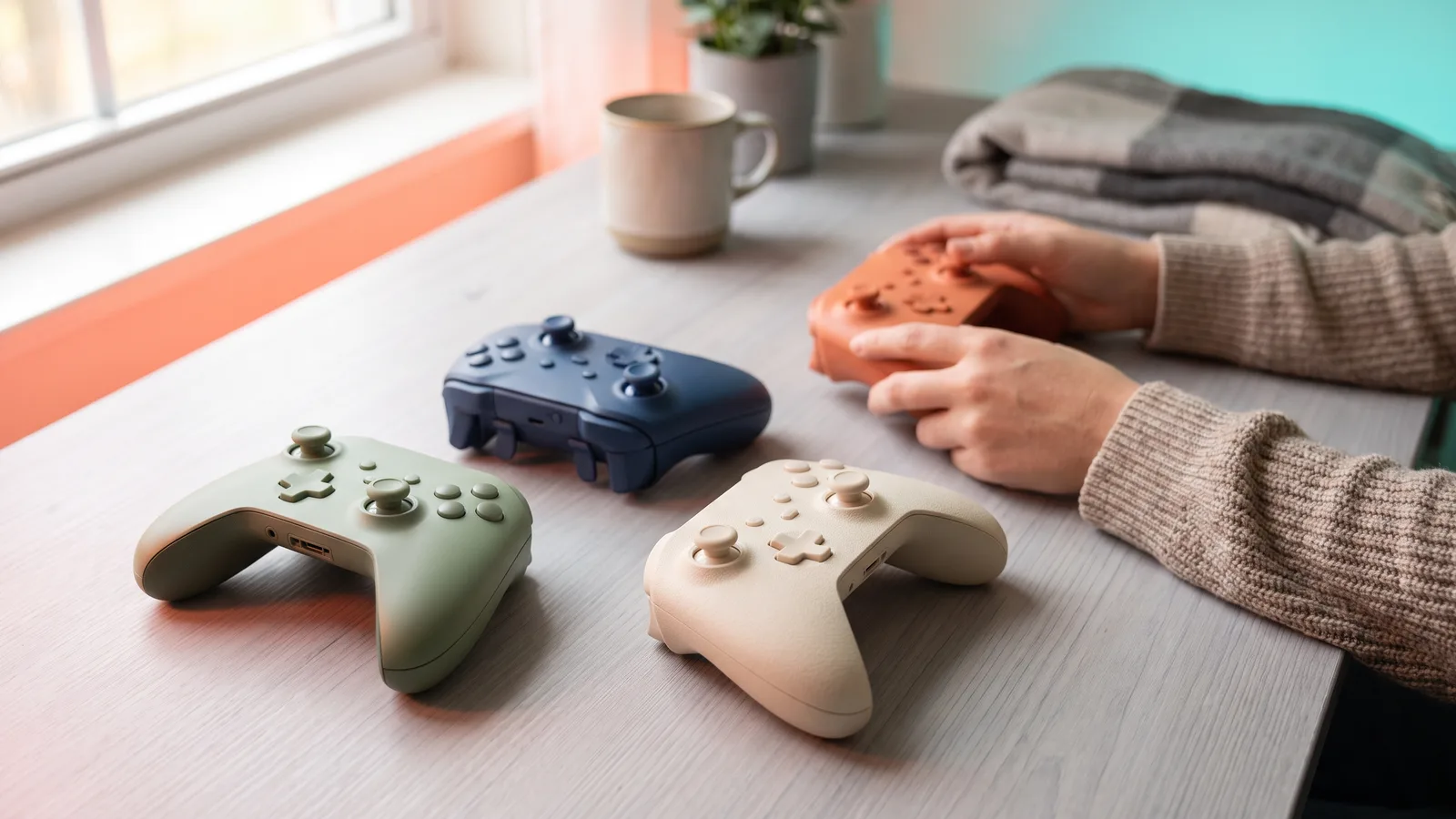
- Buying the same color as the existing one. A different color settles "which one is mine?" arguments instantly.
- Buying a pro controller for a seven-year-old. It's heavy and the extra buttons get in the way.
Our shortlist
An official standard controller in a new color
For most households, the official controller for the console is the safest gift. Every maker sells special colors and editions; pick one the player doesn't already have.
A licensed controller with Hall effect sticks
For players who have suffered stick drift. Check the console compatibility on the box before buying.
A premium controller for the serious player
DualSense Edge for PS5 or the Elite Series 2 for Xbox and PC. Back buttons and adjustable triggers make a real difference in competitive games.
A charging station
Unglamorous, but it ends the "controller's dead" problem. Make sure it is made for the controller model in question.
Facts, prices and policies in this article were checked in November 2026. Prices, bundles and store rules change often — always confirm on the product page before you buy. Spotted something out of date? Tell us.