Retro gaming for beginners: how to play older games today
Backward compatibility, classic-game subscriptions, original hardware and mini consoles — the legitimate ways to play the games you grew up with.
We choose what to recommend on our own; no brand or store reviews our articles before they go live. Some outbound links are affiliate links, which support this site at no cost to you. How we earn.
Short version. The easiest way to play older games is often the console you already own: PS5 plays most PS4 games, Xbox Series X|S plays a long list of Xbox One, Xbox 360 and original Xbox games, and Nintendo Switch Online includes libraries of classic Nintendo games. For the real thing, original hardware and pre-owned games are widely available.
Retro gaming is one of the fastest-growing corners of the hobby — for nostalgic adults, and for parents who want to share the games they loved with their children.
Option 1: backward compatibility
- PS5 plays the vast majority of PS4 games (discs need a PS5 with a disc drive). It doesn't play PS3, PS2 or PS1 discs.
- Xbox Series X|S plays a long list of Xbox One games, plus hundreds of Xbox 360 and original Xbox games — some even with improvements. Older discs work in the disc-drive Series X.
- Switch 2 plays most original Switch games.
Option 2: classic-game subscriptions
- Nintendo Switch Online includes NES, Super NES and Game Boy libraries; the Expansion Pack tier adds more, including Nintendo 64 and Game Boy Advance games, and GameCube games on Switch 2.
- PlayStation Plus Premium includes a catalog of classic PlayStation games.
Option 3: remasters and collections
Many classic series have been remastered or collected for modern consoles, often with modern conveniences like save anywhere and rewind. Search the series name to see what's available on the player's console.
Option 4: original hardware
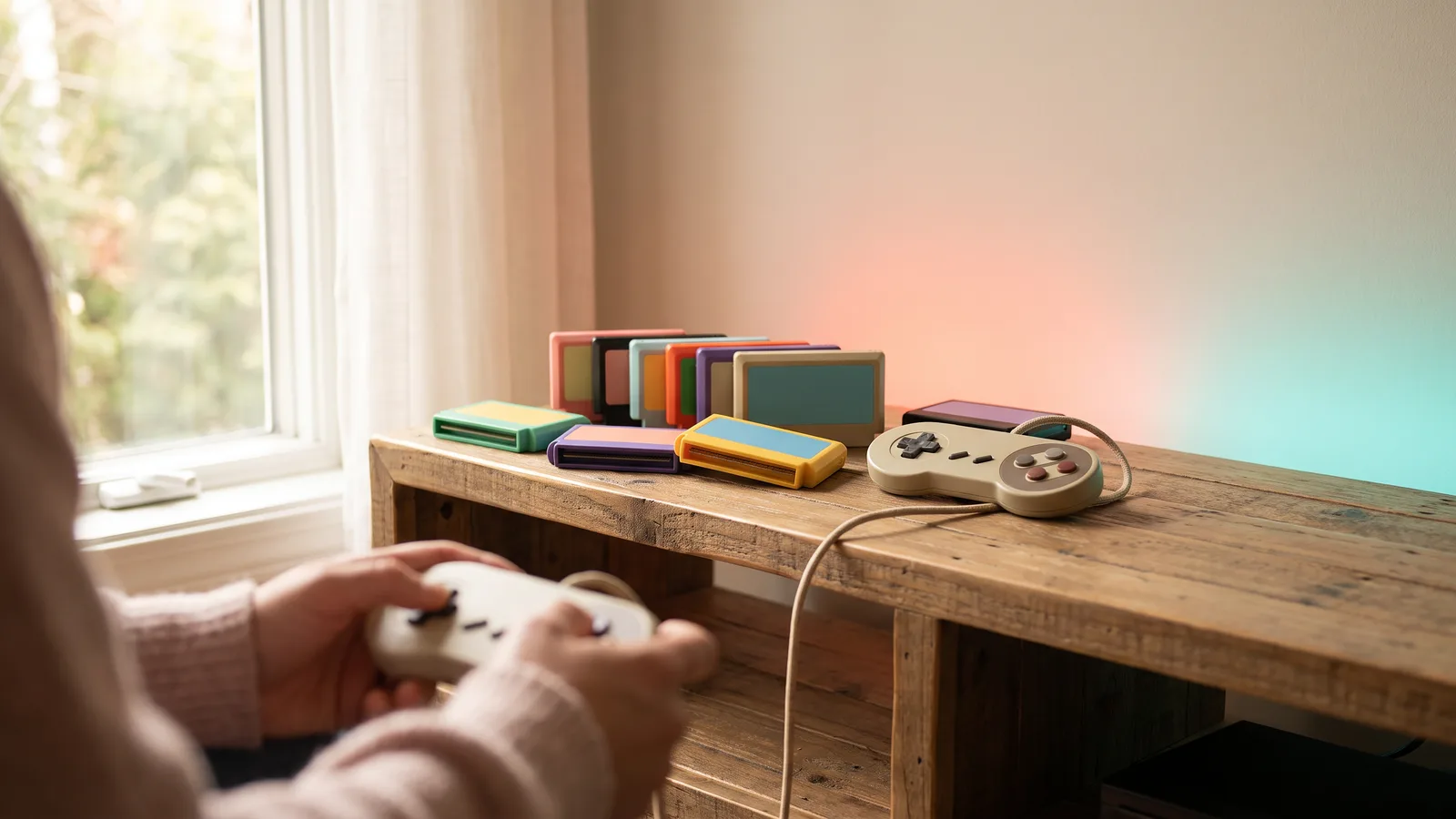
There's nothing quite like the original console and cartridge. Things to know:
- Connecting to a modern TV. Older consoles output analog video that many new TVs don't accept or display poorly. Adapters and upscalers exist, ranging from simple to enthusiast-grade.
- Condition matters. Check cartridges' contacts and discs for scratches; test controllers.
- Saves on old cartridges sometimes rely on internal batteries that eventually run out.
- Buy from retailers with returns — pre-owned retro games and hardware can be checked and returned if faulty. See buying pre-owned.
Option 5: mini consoles
Official "mini" or "classic" consoles released by several manufacturers come with built-in games and HDMI output. They're simple gifts for nostalgic fans, though their game lists are fixed.
A note on legality
We only recommend legitimate ways to play: official hardware, original games, official re-releases and subscriptions. Downloading game files you don't own is generally copyright infringement, and unofficial devices pre-loaded with games are often unlicensed.
Browse retro games · Retro consoles
Facts, prices and policies in this article were checked in November 2026. Prices, bundles and store rules change often — always confirm on the product page before you buy. Spotted something out of date? Tell us.