Building a first gaming desk setup: monitor, keyboard, mouse and chair basics
What matters when setting up a desk for PC or console gaming — the order to buy things in, what the specs mean, and where not to overspend.
We choose what to recommend on our own; no brand or store reviews our articles before they go live. Some outbound links are affiliate links, which support this site at no cost to you. How we earn.
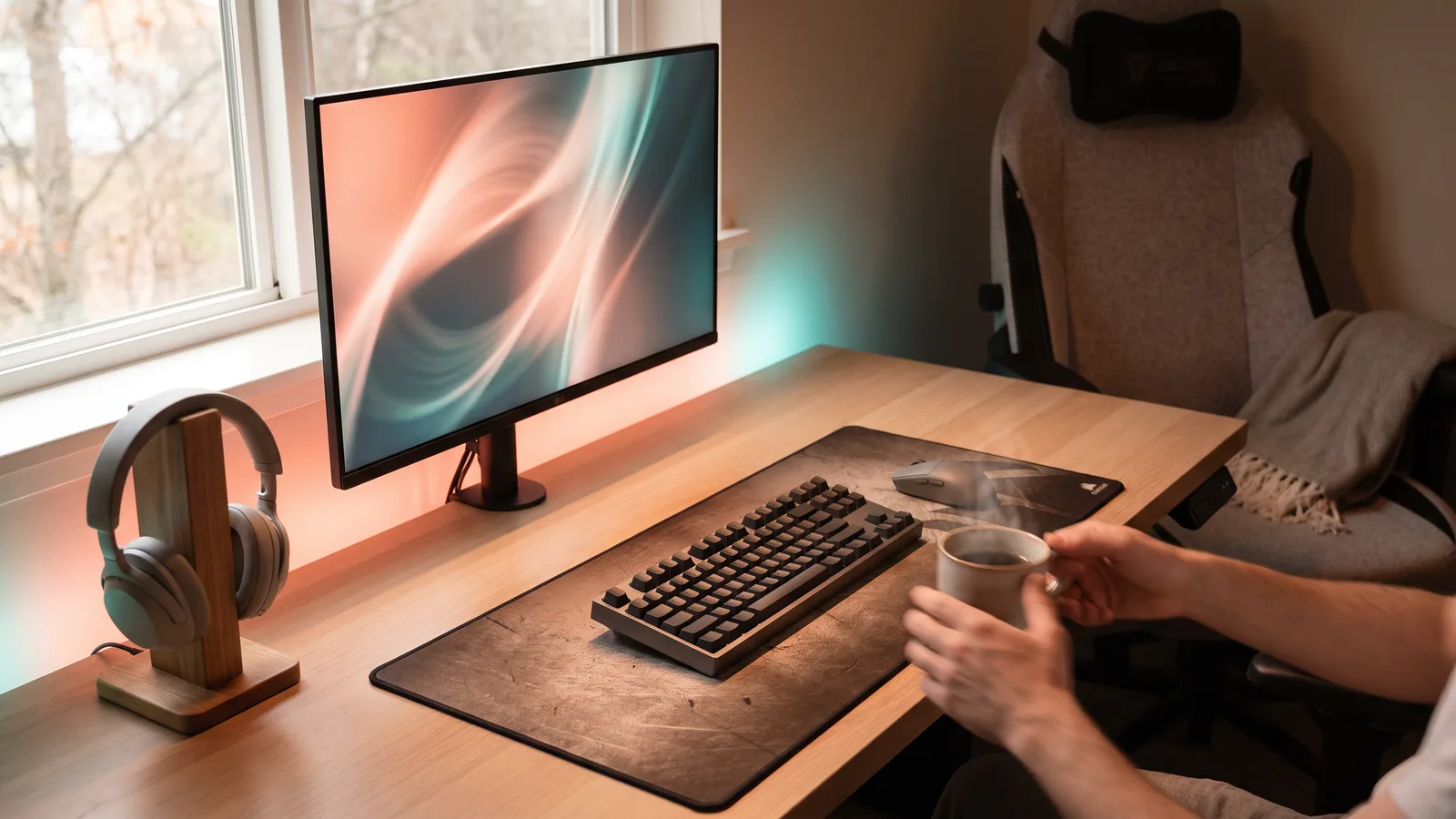
Short version. Spend first on the things you touch and look at every day: a comfortable chair and a good monitor. A mouse and keyboard come next for PC players. RGB lighting, expensive cables and "gaming" branding add little.
A desk setup suits PC players, students in small rooms and console players who want a dedicated space. Here's a sensible order to build one.
1. The monitor
- Size: 24 to 27 inches suits most desks.
- Resolution: 1080p is fine on 24 inches; 1440p is the sweet spot on 27 inches; 4K suits larger screens and powerful hardware.
- Refresh rate: 144Hz or higher makes PC games feel smoother. For consoles, 120Hz is the maximum that PS5, Xbox Series X|S and Switch 2 output.
- Connections: for consoles, look for HDMI 2.1 if you want 120Hz at higher resolutions. See our TV and monitor settings guide.
- Panel type: IPS offers good color and viewing angles; VA offers deeper blacks; OLED looks spectacular but costs more.
2. The chair
You'll sit in it for hours. Look for adjustable height and armrests, lumbar support, and a seat that suits your size. A well-built office chair is often a better buy than a cheaper chair styled like a racing seat. If possible, try before you buy.
3. Keyboard and mouse (for PC players)
Keyboards: - Mechanical keyboards use individual switches — they feel more precise and last longer. Switches differ in feel (linear, tactile, clicky). - Size: full-size includes a number pad; "tenkeyless" (TKL) and smaller layouts free up space for the mouse.
Mice: - Weight and shape matter more than maximum sensitivity (DPI) numbers. - Wireless gaming mice are now as responsive as wired ones for most players. - A large mouse pad gives room for low-sensitivity aiming.
4. Audio
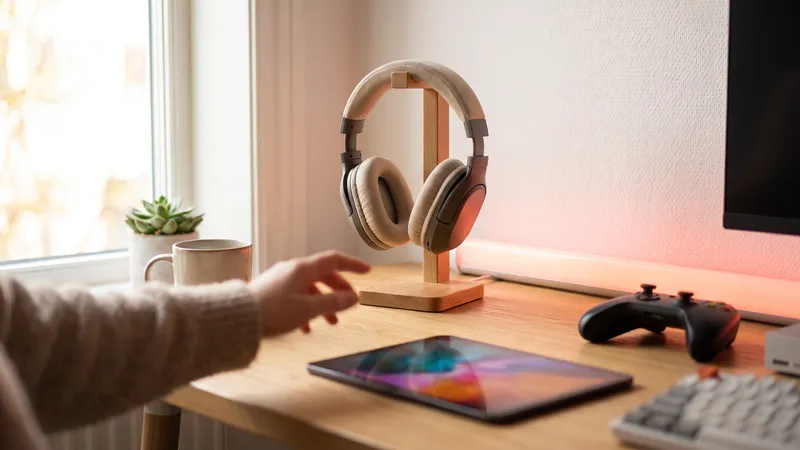
A headset is the simplest solution, especially in shared homes. Desk speakers are nicer for single-player games and films.
5. Small upgrades that help
- Monitor arm — frees desk space and improves posture.
- Cable management — clips and sleeves keep things tidy.
- Desk lamp or bias lighting — reduces eye strain in dark rooms.
- Controller stand or charging dock for console players.
Where not to overspend
- Expensive HDMI or USB cables beyond the certified standard.
- RGB lighting for its own sake.
- Very high DPI mice — few players use the maximum.
Gaming monitors · Gaming keyboards · Gaming mice · Gaming chairs
Facts, prices and policies in this article were checked in November 2026. Prices, bundles and store rules change often — always confirm on the product page before you buy. Spotted something out of date? Tell us.